
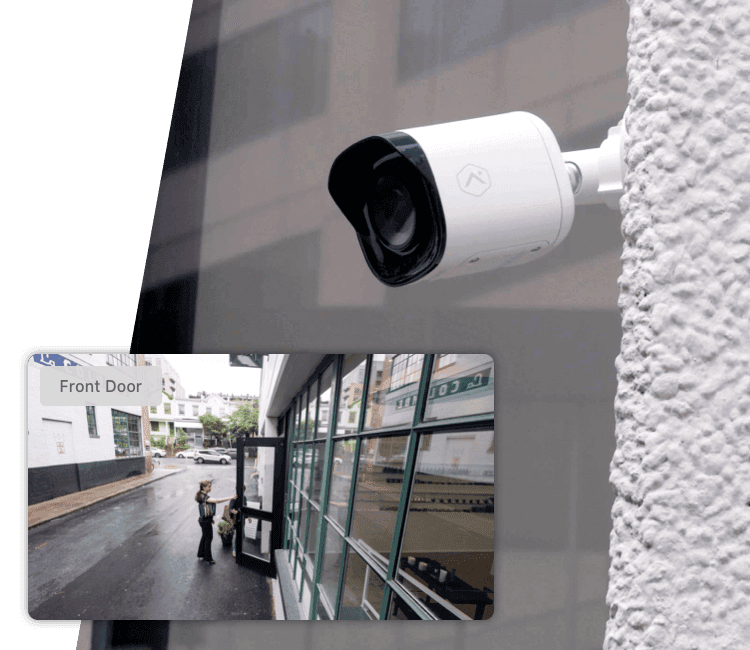
Pro Series Cameras
NDAA-compliant commercial cameras with 4MP HDR video, night vision, and AI detection.
Business Security Platform
Did your store open on time today? Is the alarm set at the other location? With Alarm.com for Business, you know without making a single call. PAX Security designs, installs, and supports Alarm.com systems for businesses across NYC.
Opened on time
Main St store · Disarmed at first badge-in
Open and close report sent to the owner
Figures published by Alarm.com, 2026.
Why Alarm.com
Alarm.com for Business puts your alarm, cameras, door access, and thermostats in one app and one web dashboard. Instead of four systems that do not talk to each other, they work together: the first employee to badge in disarms the alarm, and the last one out arms it with a double tap of their card.
It grows with you. A single shop runs it from the app. A chain of stores uses the Enterprise Dashboard to see every location at once, manage user codes in bulk, and get open and close reports emailed to managers automatically.
Alarm.com is only sold and installed through authorized dealers like us. We design the system, install it, connect professional monitoring, and stay your point of contact afterward.
One App for Everything
Alarm, video, access control, and energy on the same app and dashboard.
Automatic Arming
If the building is left unarmed after hours, the system arms itself.
Fewer False Alarms
See the video clip with the alarm and cancel it from your phone in seconds.
Phone as a Key
Mobile credentials, remote unlock, and cards that expire on a date you set.
AI Video Alerts
Tells people and vehicles apart from rain and shadows, so alerts mean something.
Every Location, One View
Manage users, schedules, and alarms for one site or hundreds.
How It Works
The first employee taps their card or phone. The door unlocks and the alarm disarms on its own.
Entrances unlock for business hours. Back doors and offices stay locked to the right people.
You get alerts for real events, like a back door left open, with the clip attached.
A double tap of the card arms the alarm. If nobody does, automatic arming covers it.
The Platform
Each piece works on its own, and they work better together. Start with what you need now and add the rest later.
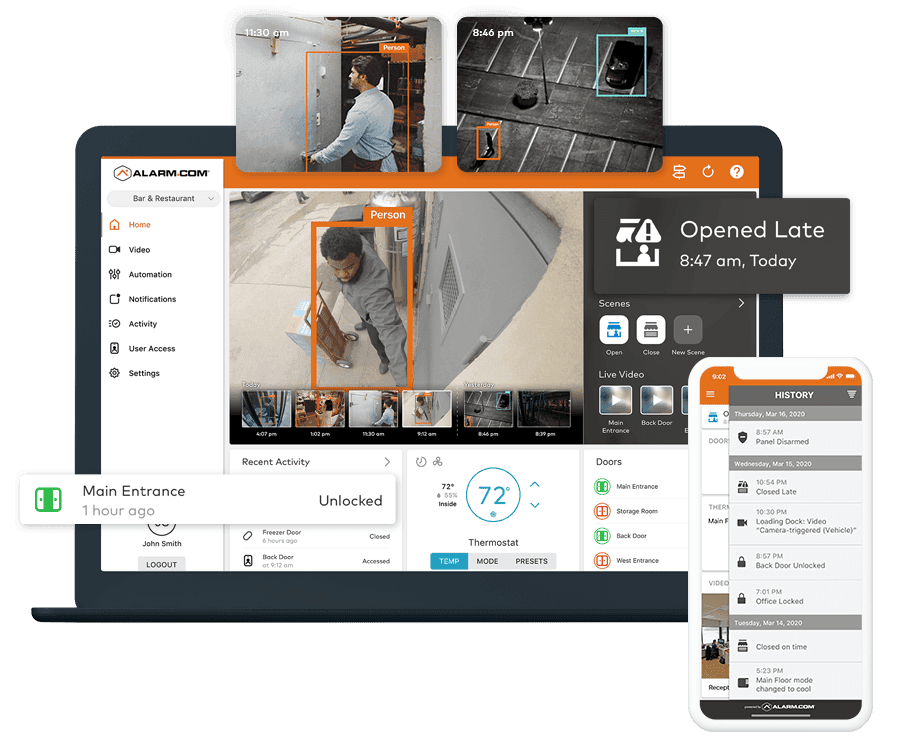
Automatic arming, remote arm and disarm, user codes, and emergency contacts from the app.
Pro Series cameras, AI person and vehicle detection, and Perimeter Guard deterrence.
Mobile credentials, remote lock and buzz-in, bulk users, and cards that auto-expire.
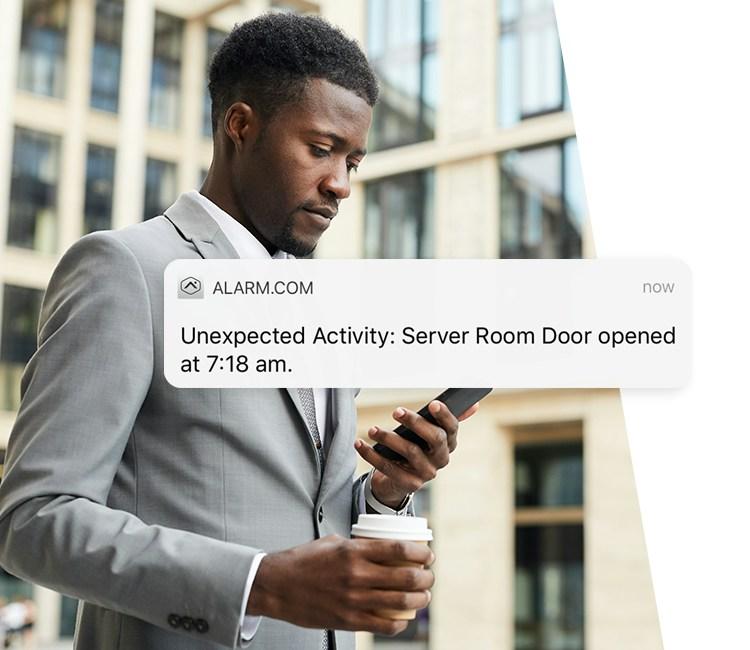
Thermostat schedules and lockouts, plus alerts for freezers and server rooms.
Every location organized by region, with user codes and settings managed in bulk.
Open and close times, access history, and temperature logs, emailed on a schedule.
Hardware
We install the Alarm.com hardware that fits your space, and connect the cameras you already own when they are compatible.
NDAA-compliant commercial cameras with 4MP HDR video, night vision, and AI detection.
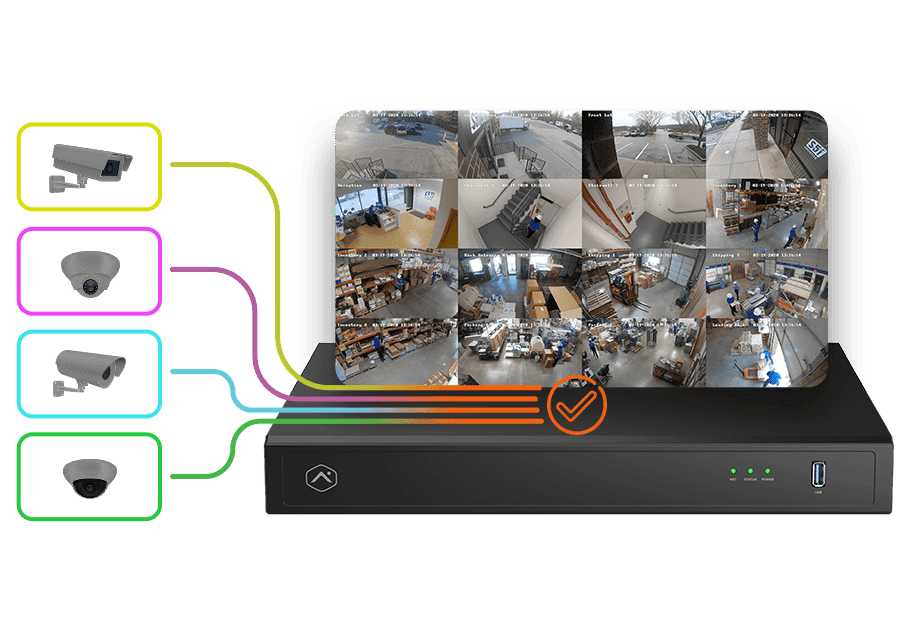
Records up to 16 cameras 24/7, including compatible ONVIF and Axis cameras you already have.
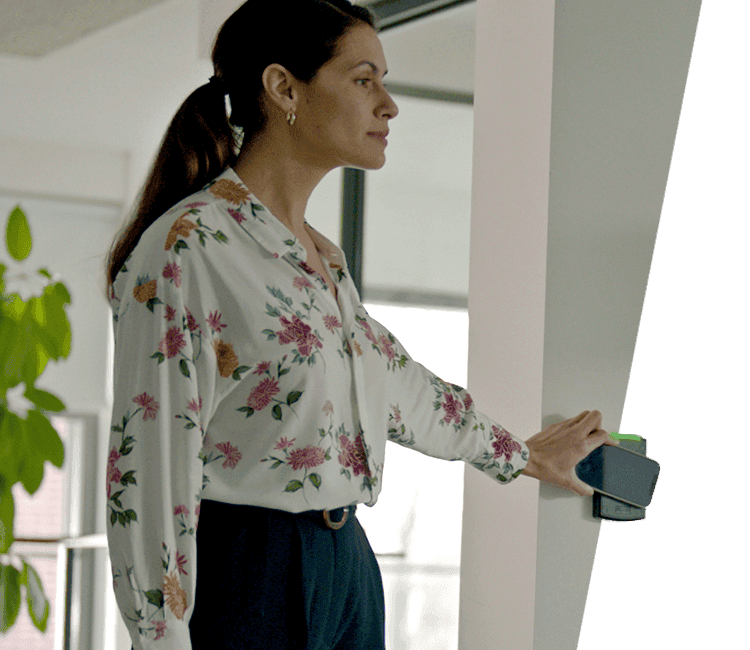
Card and mobile credential readers tied into the same app as your alarm and cameras.
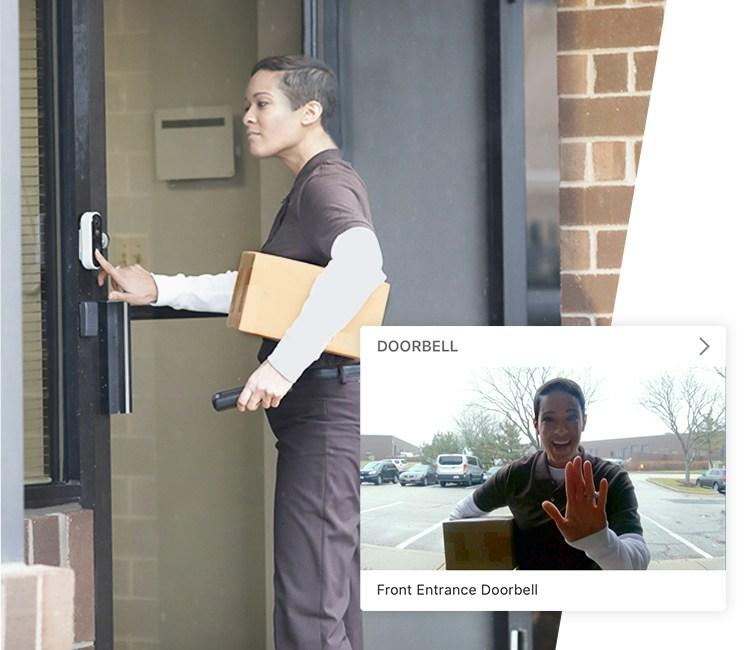
Take the call on your phone, see who is there, and buzz them in from anywhere.
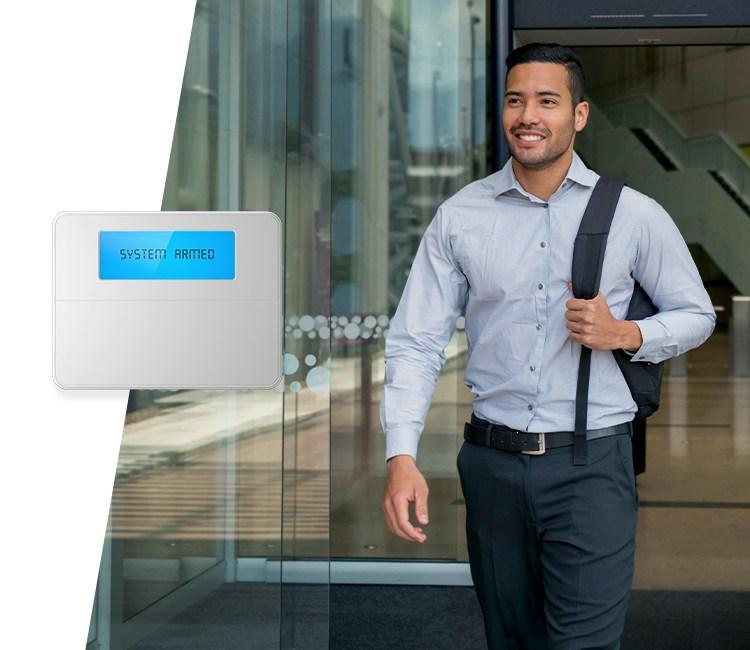
Commercial alarm panels with dual-path communication and remote user code management.
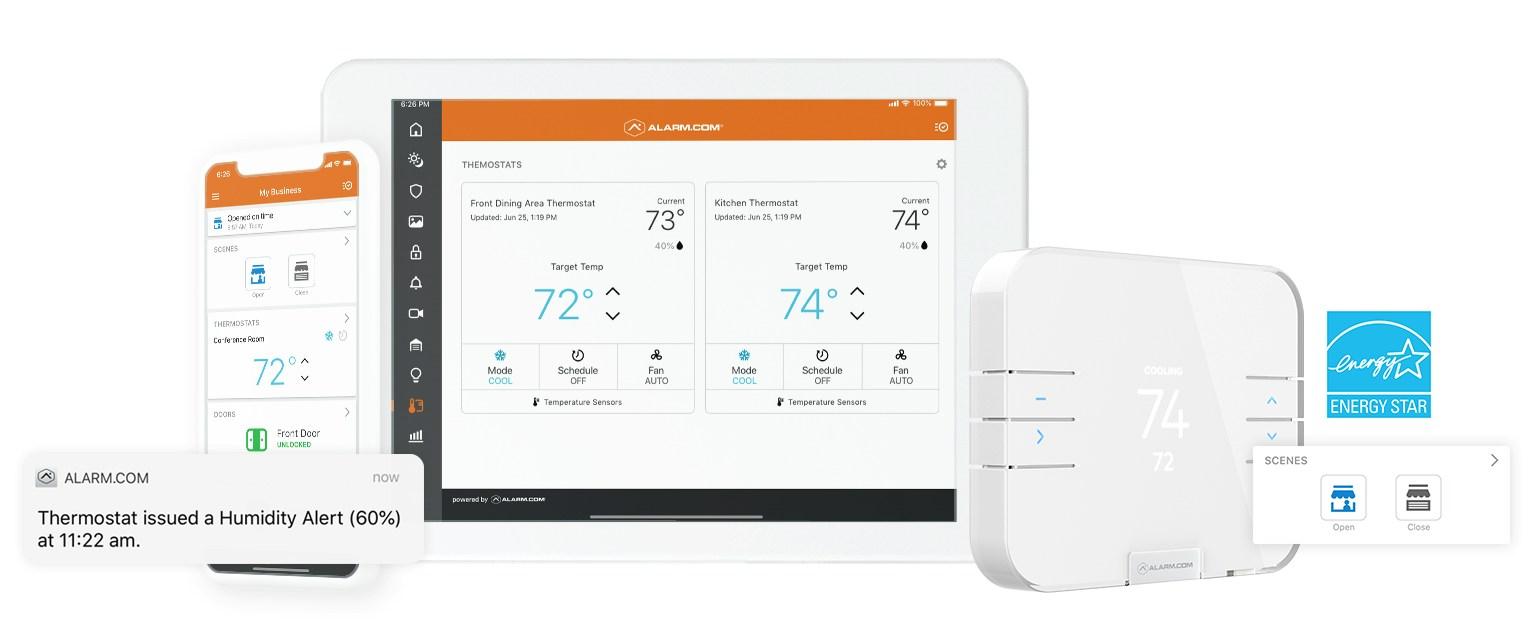
Smart thermostats and wireless temperature sensors with long battery life and LTE backup.
Product images courtesy of Alarm.com.
In Real Life
These are the moments that make the system worth it, straight from the Alarm.com app.
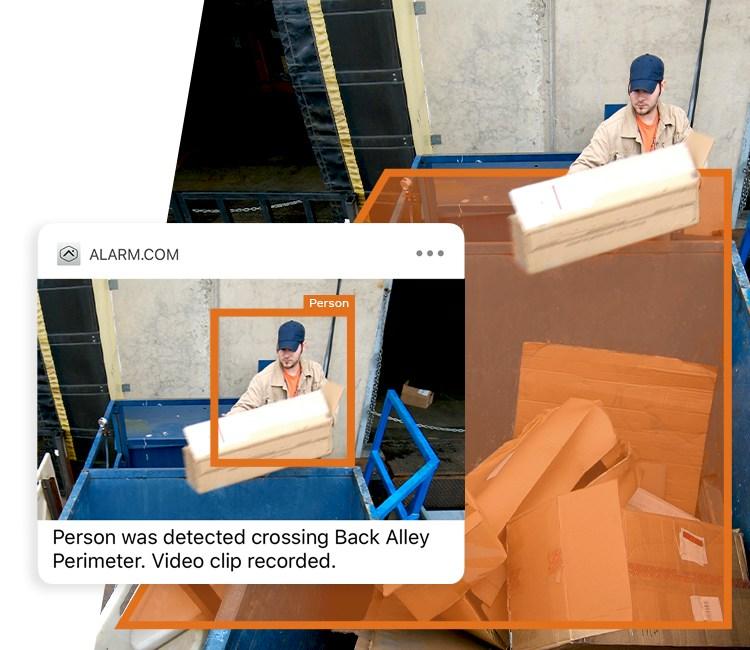
Spots someone crossing into a back alley or lot after hours, records the clip, and can trigger lights or sound to scare them off.
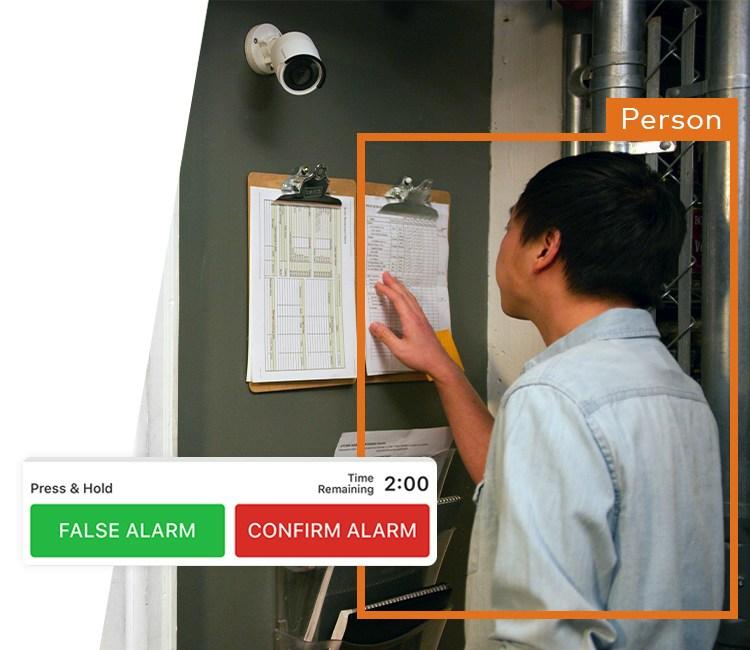
When an alarm goes off, watch the clip and confirm or cancel it on the spot. Fewer false dispatches and fines.
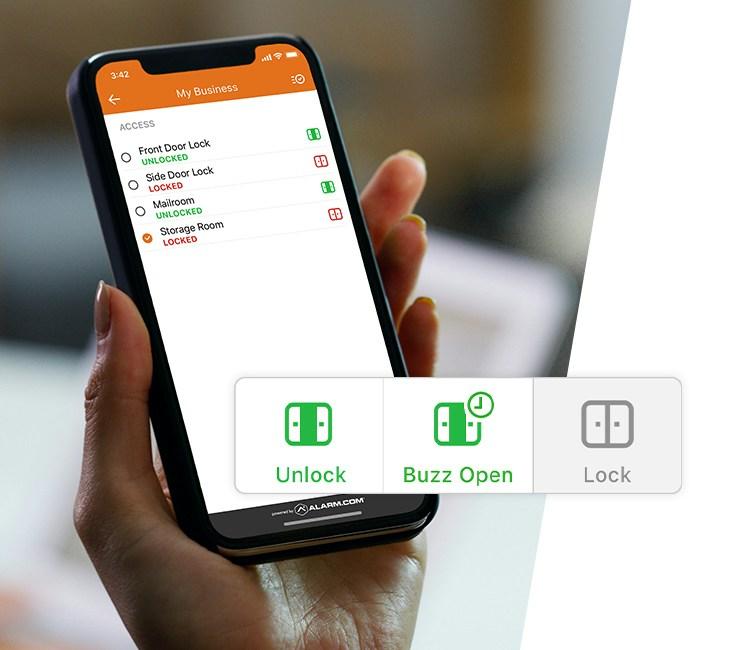
Let in a contractor or a manager who forgot their key, straight from your phone.
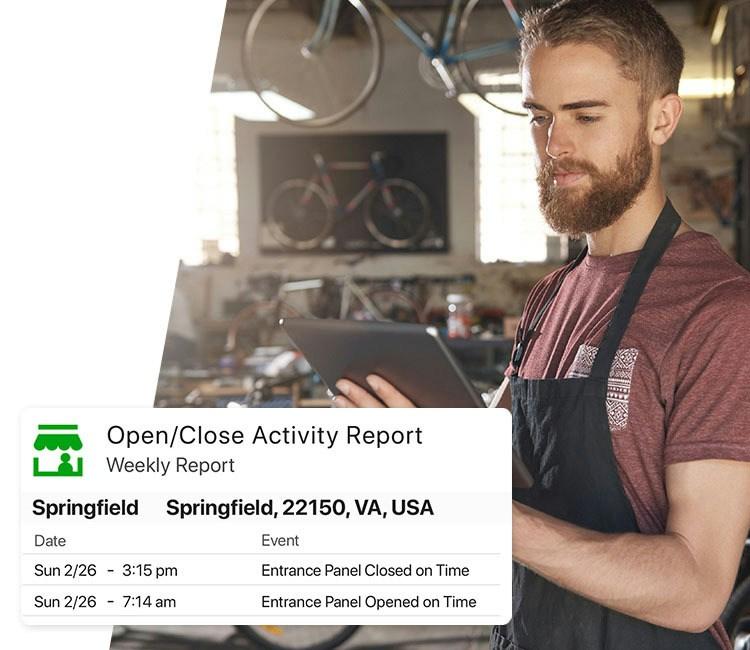
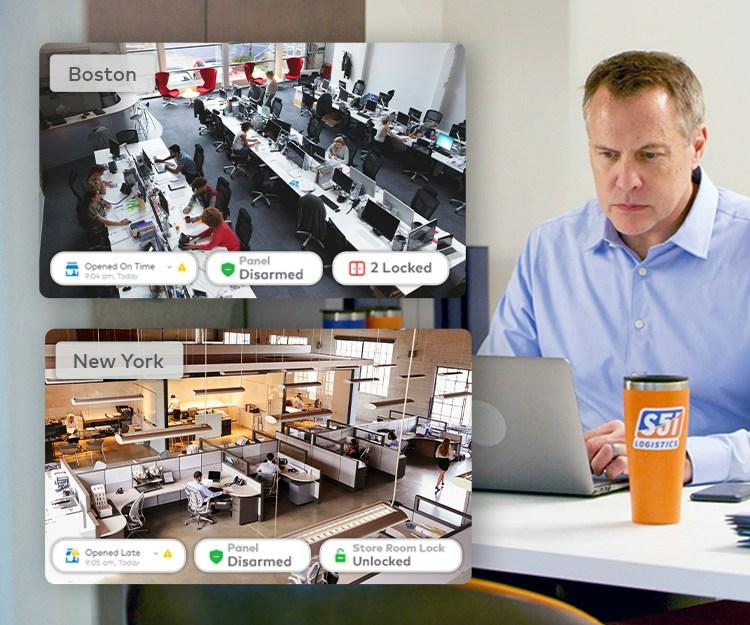
Know if a location opened late or closed early without calling anyone. Reports arrive on a schedule.
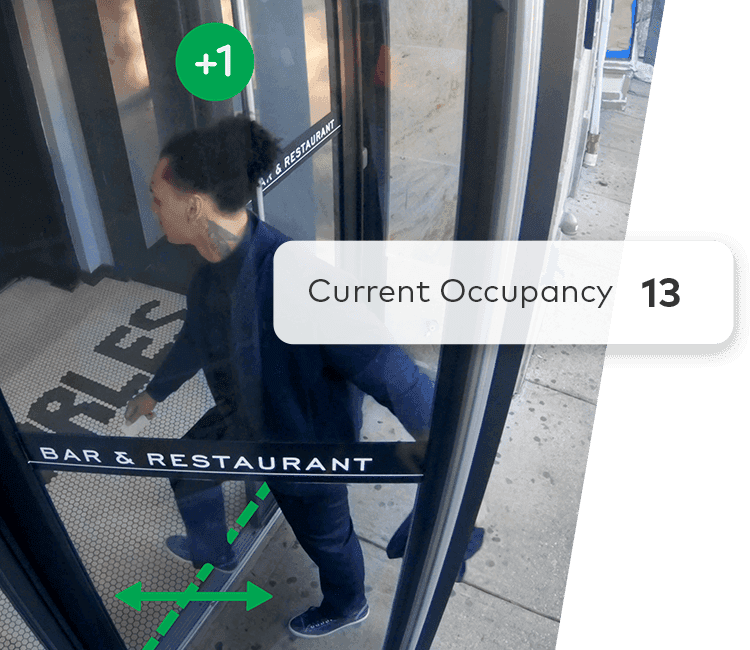
Business Activity Analytics counts people in and out, so you see traffic and staffing needs at a glance.

Get warned before a cooler or freezer warms up and spoils inventory, even if power and internet are out.
Multi-Location
Group your locations by region and manage them like one system. See who is open, who is armed, and what happened overnight from the Enterprise Dashboard.
Use Cases
Open and close alerts, perimeter alerts after hours, and video tied to every alarm.
Walk-in cooler temperature alerts, staff access by schedule, and remote lock control.
Badge-in history, automatic arming, and false alarms you can verify and cancel from the app.
Enterprise Dashboard with regions, bulk user management, and scheduled reports.
All Services
FAQ
Licensed in NY. Authorized Alarm.com partner. Same-day response, on-site consultation.